How Many Colours Can You Screen Print on a T-Shirt?
The limit is your press, but the real number depends on the garment colour, the white underbase and the artwork. Here is how to count screens before you quote a t-shirt job.
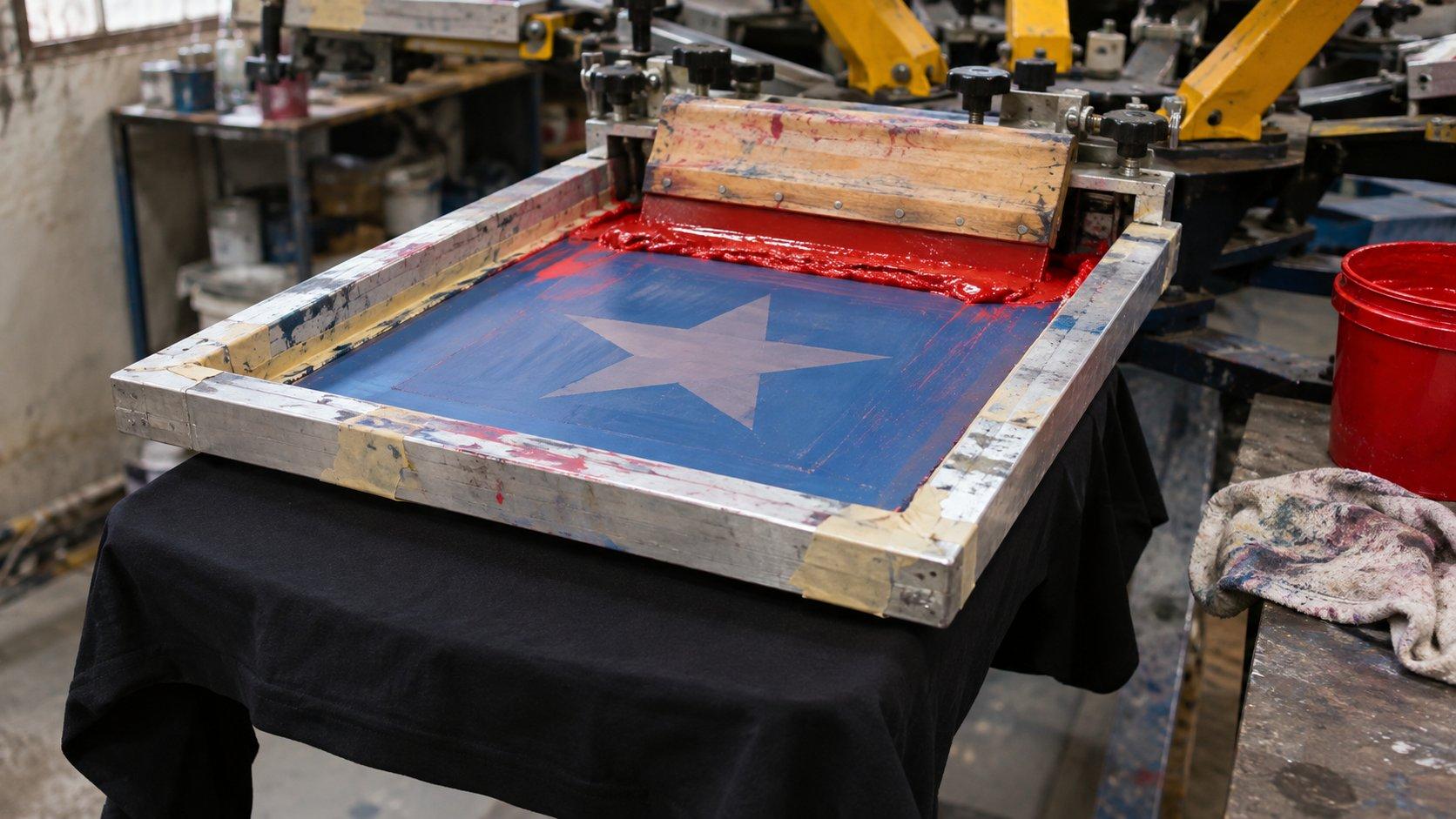
A customer sends a t-shirt design with 14 colours, and you have a 6-colour press. Before you quote or turn the job down, you need to know how many screens that design really needs.
The number of colours you can screen print on a t-shirt is limited by your press: usually 4 to 6 on a manual and 6 to 12 on an automatic, with each colour taking one screen.
How many colours can a screen printing press print?
As many as it has heads free. Each ink colour needs its own screen, and each screen needs its own head.
Most shops work to a lower number. Many logo and text jobs print on 1 to 4 screens, because that is what the order size and the budget allow.
Why does a 4-colour t-shirt design often need 5 or 6 screens?
Because the customer counts the colours they can see, and you have to count everything that goes through the press.
On a dark t-shirt, a 4-colour design usually needs:
- an underbase white, so the colours stay bright on the fabric
- the 4 colours themselves
- possibly a highlight white, printed last to bring back the brightest areas
That makes 5 or 6 screens from a design the customer calls 4 colours. Quote from the customer's number and you will lose money on the setup.
Check the flash as well. On many presses, the flash unit takes a station that could otherwise hold a screen, so a 6-colour press with one flash has 5 left for ink.
Does a white t-shirt need fewer screens than a black one?
Usually, yes. A white t-shirt gives you the light background for free, so the 4-colour design above can print on 4 screens with no underbase. If the design has white in it, the bare fabric can often stand in for that too, which saves another screen.
The same design on black can cost you two extra screens plus a flash. If a customer wants one design across several t-shirt colours, ask for the list before you separate. A dark version and a light version are often two different sets of films. We have written more on how much underbase a t-shirt needs.
How can a design with many colours print on fewer screens?
Halftones get several shades from one ink. A single red screen can print solid red and also a lighter red, and on a white t-shirt it can go all the way to pink. A gradient that looks like five colours on the customer's screen may need only one.
Overprinting makes a new colour from two inks. A halftone of blue over yellow gives you a green without a green screen. It works best with fairly transparent inks, and it needs testing, because the result depends on the inks and the print order.
Merging close colours is often the easiest saving. Files from AI tools and Photoshop can hold dozens of shades that look like one colour from arm's length. Grouping them into a single ink can take a design from 14 colours down to 7 or 8, with little change you would notice on the shirt.
The limit on all of this is the artwork. A photo or a soft airbrushed design needs a certain tonal range to hold together, and if you push it onto too few screens, you get flat patches and banding in the skin tones and shadows.
What is the difference between spot colour, simulated process and CMYK screen counts?
The separation method largely decides the number of screens:
- Spot colour: 1–8 screens, for logos, type and flat vector art
- CMYK process: 4 screens on white, 5 or more on dark, for photos on white or light t-shirts
- Simulated process: 6–8 screens, more for complex art, for photos and detailed art on dark t-shirts
Simulated process uses more screens than CMYK, but it uses opaque plastisol, so it holds up better on black. Our guide to simulated process vs spot colour goes through how to choose.
What goes wrong when you print too many colours?
Registration gets harder. Every screen has to line up with the others, and on a manual press small movements add up across a long run. That is why a good separation adds trap and choke, and why fine detail printed across several screens is often the first thing to go.
The print gets heavier. Stacked plastisol on a soft t-shirt can feel stiff and thick, and fabric can shift as it heats through repeated flashing. Every colour also adds a screen to burn, ink to mix and a head to clean.
A well-planned design on fewer screens often prints better than a crowded one that nobody had time to set up properly.
How many colours should you use for a t-shirt design?
Use the lowest count that keeps the design looking right on the fabric it will print on. As a rough guide:
- Text or a simple logo: 1 or 2 screens
- Illustration with flat colour: 3 to 6 screens
- Full-colour art or a photo on a dark t-shirt: 6 to 8 screens, more for a wide tonal range
If you are designing for a customer, ask for the t-shirt colour and the order quantity first. Those two answers usually tell you how many screens the job can carry.
Can a separator fit your design on your press?
Yes, in most cases, though some art loses something when it is reduced. Tell us your press size, mesh, ink type and t-shirt colour, and we will plan the separation around them. If the design can't reach your count without damaging it, we will say so and show you what is possible.
Our colour separation service delivers in 12–24 hours, and quotes come back in 1–2 hours. If you have a design that looks like too many colours for your press, send us the artwork and try it on a real job.
Ready to Get Started?
Submit your artwork and we'll review it before you commit to anything.
Submit Your Artwork